
VdoCard
Pick an occasion, pick a look, share the link. No signup. Nothing to install.
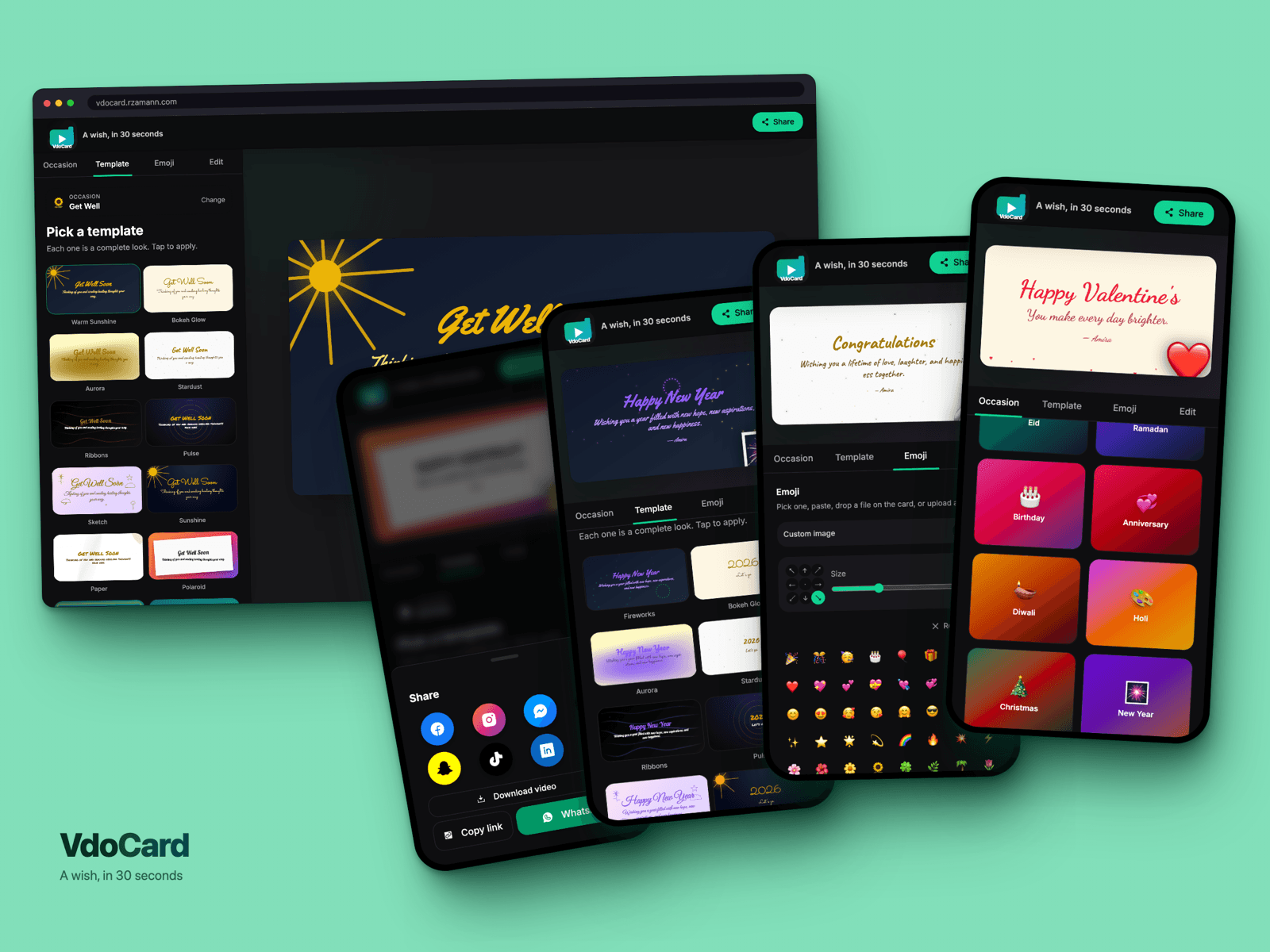
Eid, a birthday, a new year, a get-well note. The day always shows up faster than the card does.
VdoCard skips the blank canvas. You pick the occasion, tap a look you like, type your words. That's an animated card, ready to send. Takes about thirty seconds.
How it compares
Weighing this against Canva, Paperless Post or Punchbowl? I wrote a comparison, including the cases where one of those is the better answer.
Every occasion, one tap
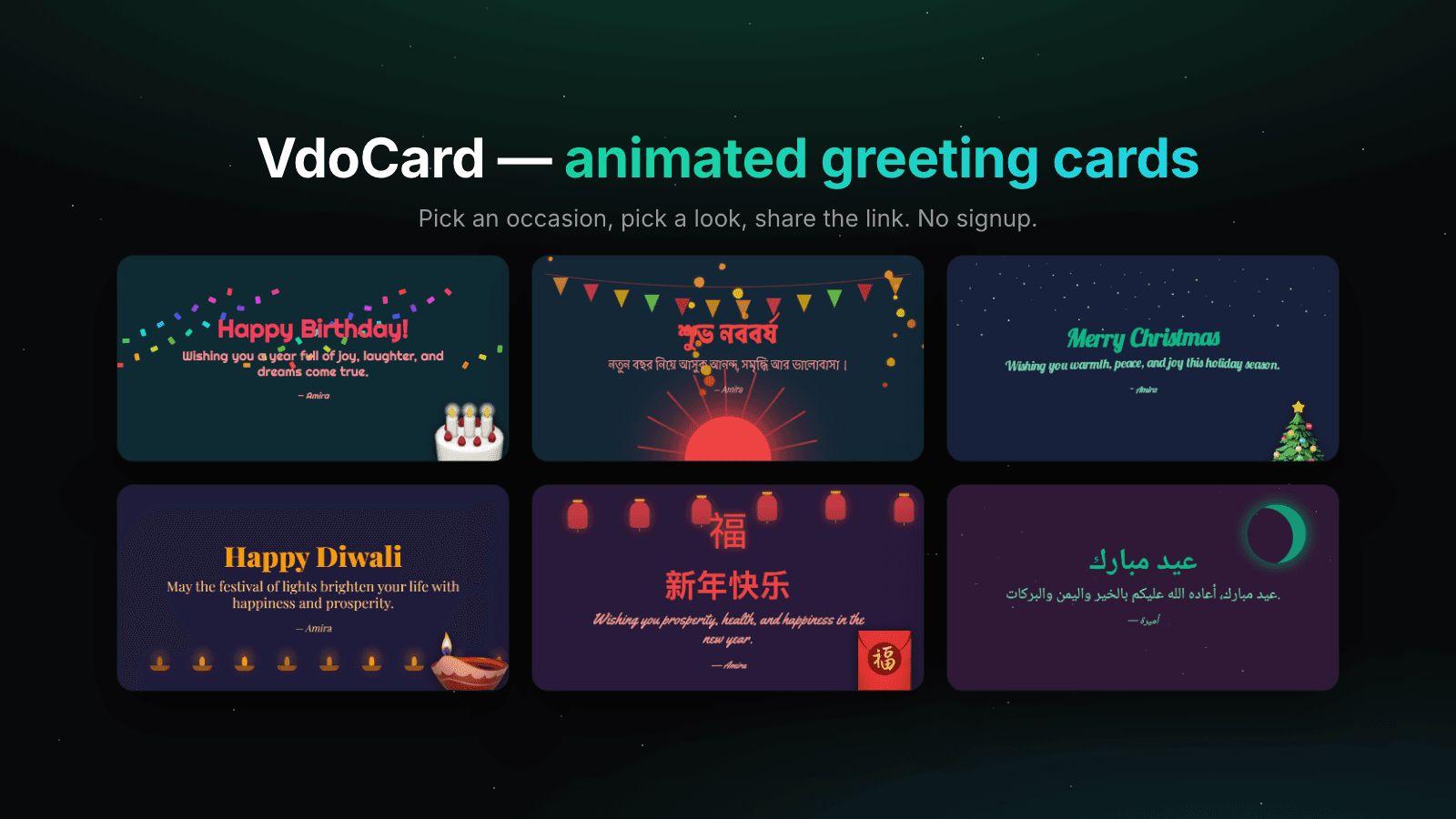
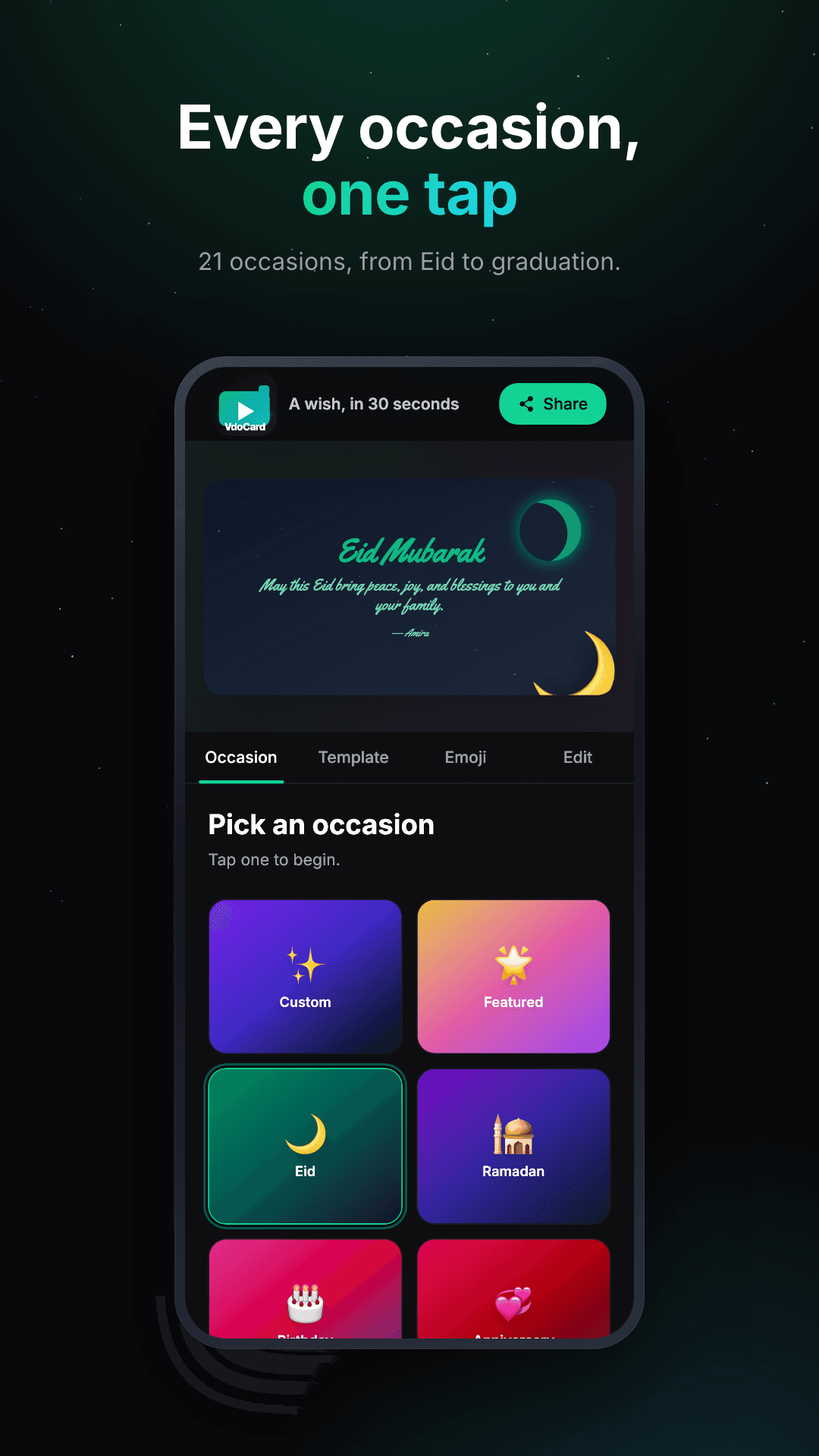
Twenty-one of them. Eid, Ramadan, birthdays, Diwali, Christmas, Lunar New Year, Pohela Boishakh, weddings, graduations.
Each one opens with its own colours and motion already set, so you never start from an empty screen.
Pick a look. Tap to apply.
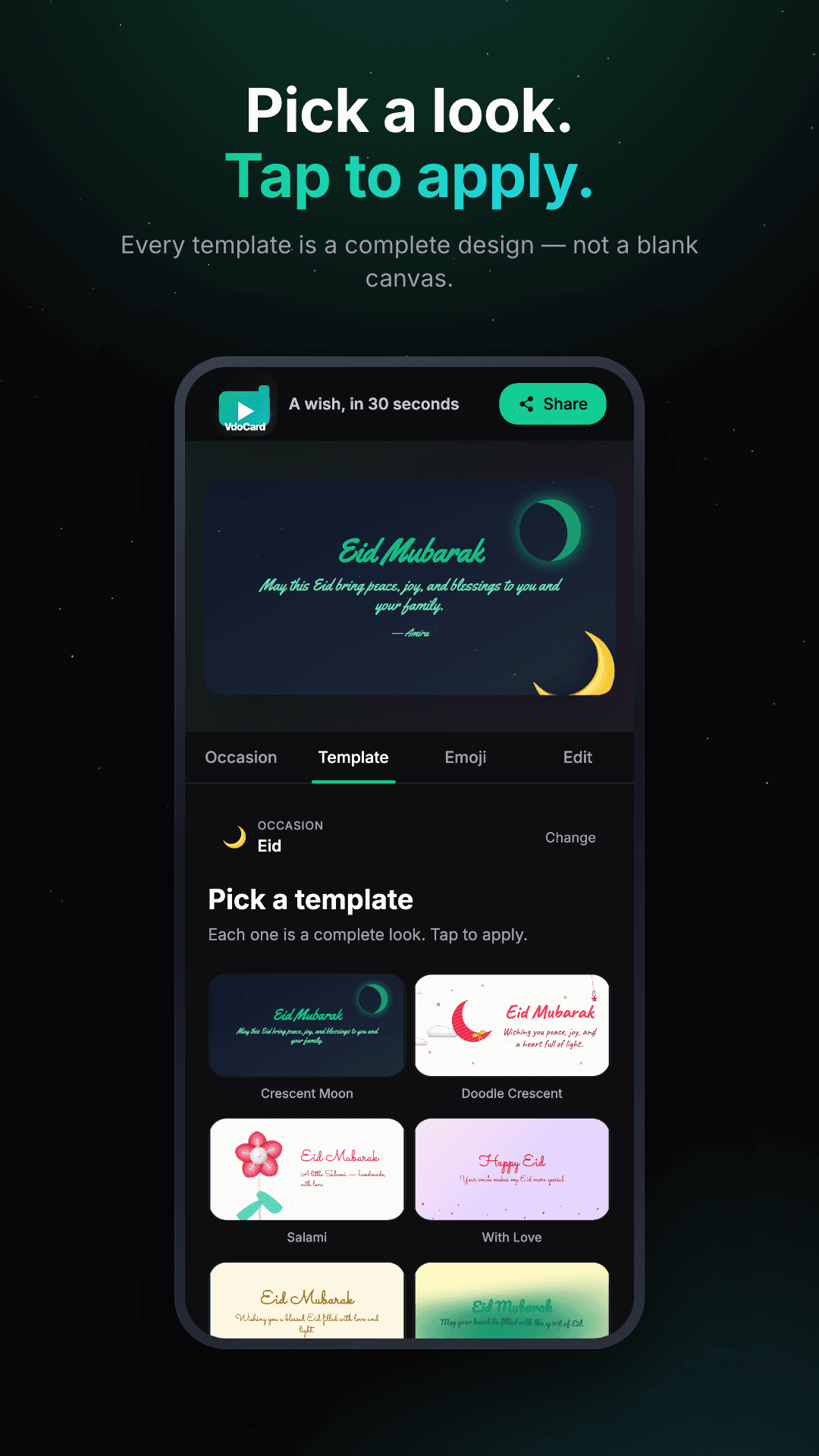
Every template is a finished design. Tap one and the whole card changes: typeface, colours, artwork, animation. Don't like it? Tap the next one.
There's a look for a quiet Eid and one for a loud birthday.
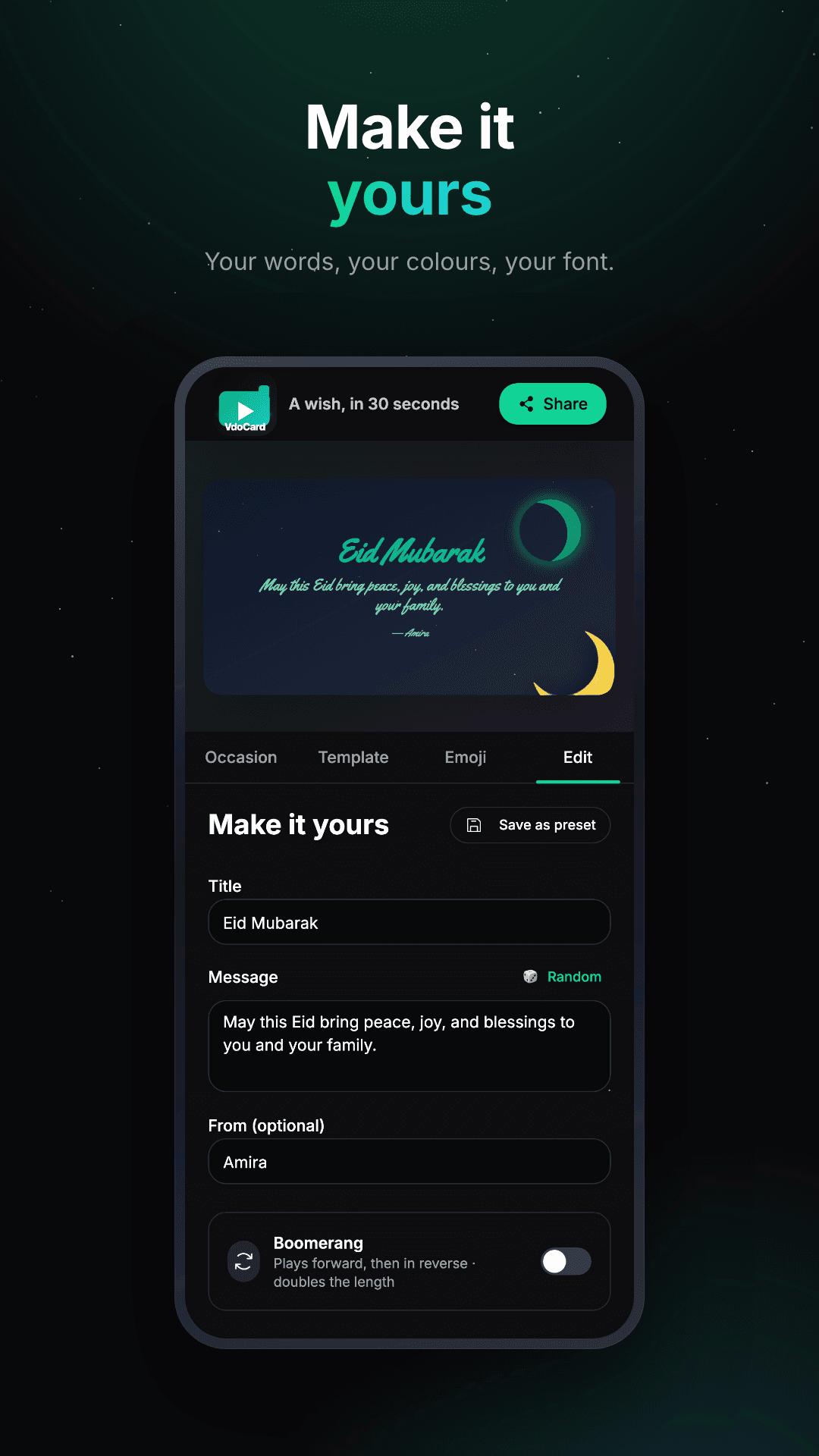
Make it yours
Change the greeting, write your message, sign your name.
Stuck on what to write? Roll for a random one written for that occasion. Turn on Boomerang and the animation plays forward then back. Save a version you like as a preset for next time.
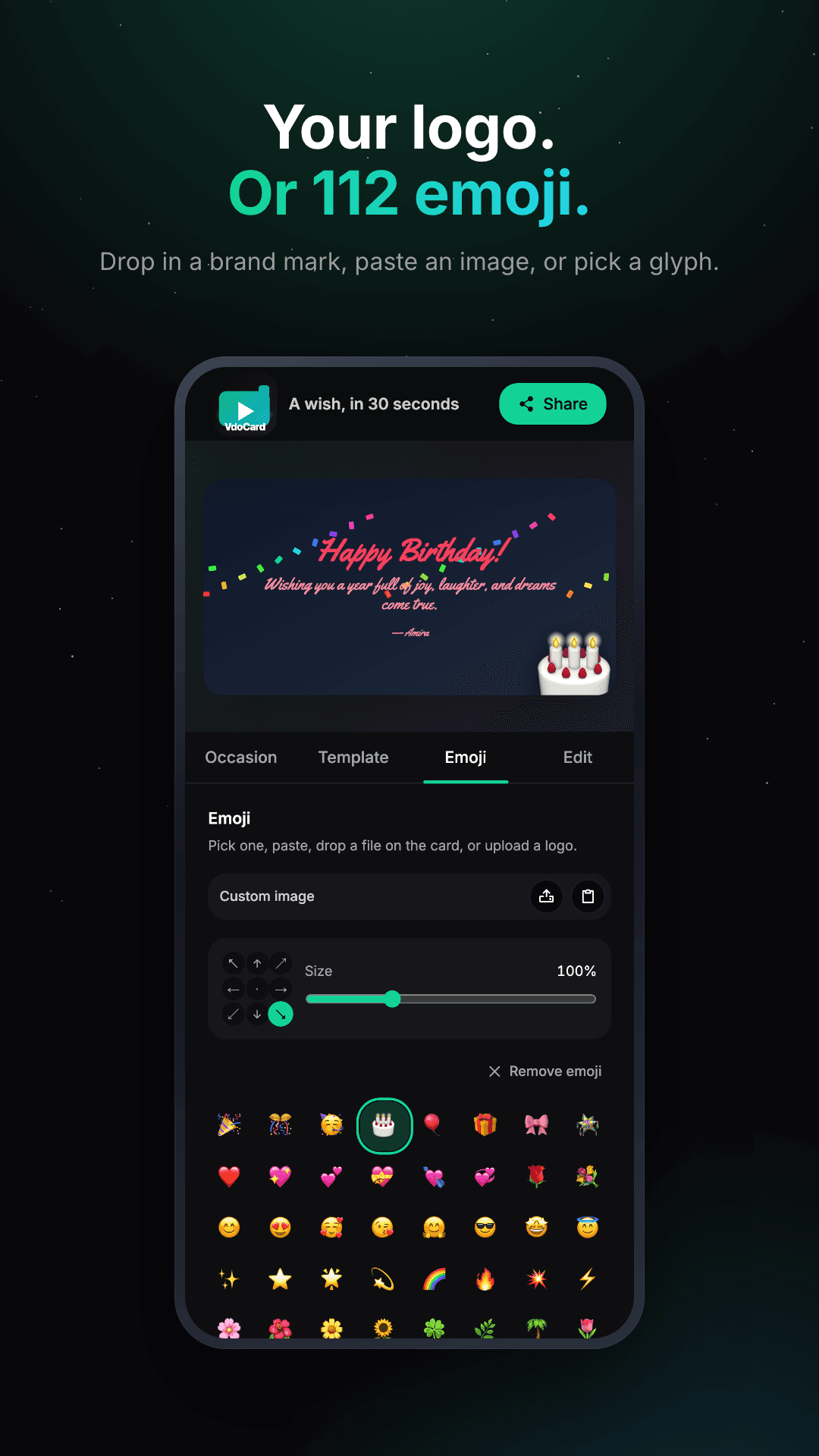
Your logo, or 112 emoji
Pick from 112 emoji. Or make it yours: paste an image, drop a file onto the card, upload your logo. Then drag it wherever you want.
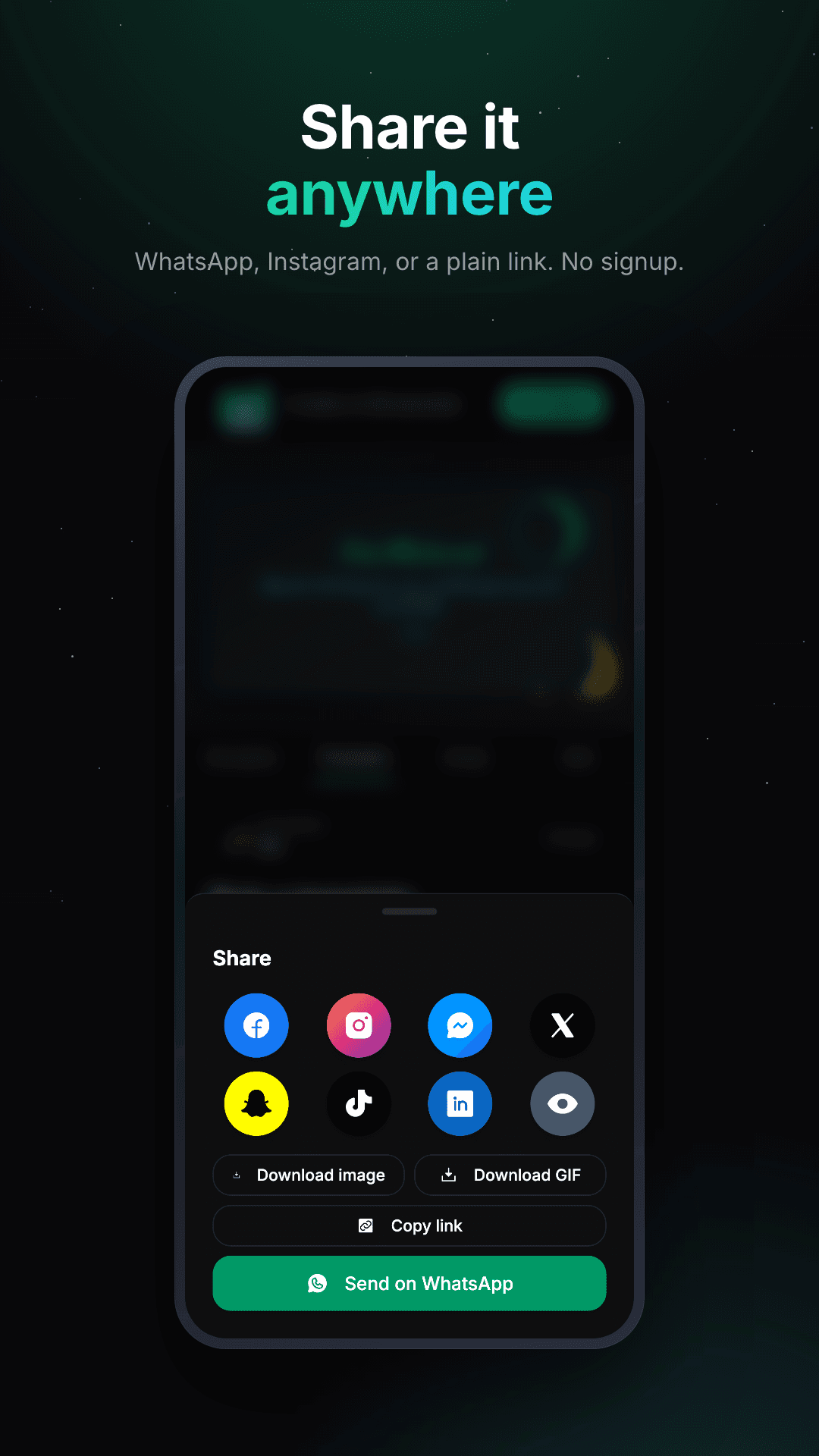
Share it anywhere
Send it to WhatsApp, Instagram, Messenger, X, Snapchat, TikTok or LinkedIn. Or copy the link and paste it anywhere.
Every card is an animation, so you can download it as a video or a GIF. Still image too, if you'd rather.
Cards that actually move
Real cards, exported straight from the app:
The story
This started in 2020 as a small Facebook trick. An Eid wish that rendered itself as the link preview image, so the wish was the preview.
I rebuilt it from scratch into a full card studio. Eight languages now, with proper right-to-left for Arabic and Urdu. Installs as an app on your phone. Every share image is generated on the fly.
The old trick still works. Paste a VdoCard link anywhere and the card shows up in the preview, exactly how you made it.
§Comments